

AVI Joiner is a program able to join multiple AVI files into one larger AVI file.
This program can do that without decompressing the video files, though avoiding quality loss. The files to be joined must have identical frame size, frame rate and video codec.
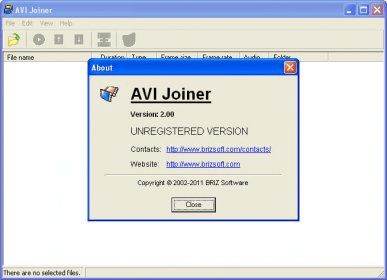
The program's interface is pretty simple. You can load the AVI files to join by selecting them from any drive. The program will list the chosen files, along with the codec used in them, their frame size and rate, and if they can be joined. You should leave only those files that show an "OK", or change the parameters of the file that doesn't meet the requirements, using another program. You can play each video file to be sure it is the proper one. Once you have in the list the files you want to join, you should choose the path and name for the destination (merged) file. You can start the joining by clicking on Files/Join Files or using the CTRL+F5 hotkey.
The program will produce a new AVI video file, with exactly the same parameters than the original files, with a size equal to the sum of the merged files.






Comments (2)